
Download Video Converter Ultimate – video converter, video to mp4, convert video, convert audio, online video downloader, video editing tool
Overview
Video Converter Ultimate is a dedicated productivity tool designed to simplify the process of converting video and audio files across a wide range of formats. The app enables users to transform files from AVI, WMV, MP4, MKV, FLV, 3GP, and MPG into compatible formats with minimal effort. This functionality makes it particularly useful for individuals who frequently handle multimedia content across different devices or platforms. Whether managing personal video libraries, preparing clips for social media, or organizing media for editing workflows, Video Converter Ultimate provides a centralized solution for format compatibility challenges.
The app targets a broad audience, including content creators, students, educators, and general users who need to convert video files without advanced technical knowledge. Its straightforward design suggests an emphasis on accessibility, making it suitable for both novice and experienced users. Although the developer did not provide additional background information, the app’s focus on format versatility and direct export options indicates a clear intent to serve users who prioritize efficiency and functionality. In the broader app ecosystem, Video Converter Ultimate fills a niche for lightweight, free tools that deliver core multimedia conversion capabilities without requiring subscription models or in-app purchases.
Key Features & Functionality
- Multi-Format Conversion – Supports conversion between AVI, WMV, MP4, MKV, FLV, 3GP, and MPG, ensuring compatibility with most playback devices and platforms.
- One-Click Conversion Process – Enables users to convert files with minimal steps, reducing the learning curve and time required for routine tasks.
- Direct Export Options – Allows users to send converted files directly to optical media, upload to YouTube, or import into iTunes and third-party applications like Adobe Premiere.
- Online Video Downloading – Users can paste a URL into the app to download videos from online sources, enabling immediate access for editing or conversion.
- Intuitive User Interface – Designed with simplicity in mind, the interface supports easy navigation and seamless interaction, even for non-technical users.
For example, a student preparing a presentation might use the app to convert a recorded lecture from AVI to MP4 for smoother playback on a mobile device. A content creator could download a video from a public source using the built-in downloader, convert it to a web-friendly format, and upload it directly to YouTube—all within a single workflow. These real-world applications highlight the app’s practicality and time-saving potential in everyday digital tasks.
Interface, UX & Performance
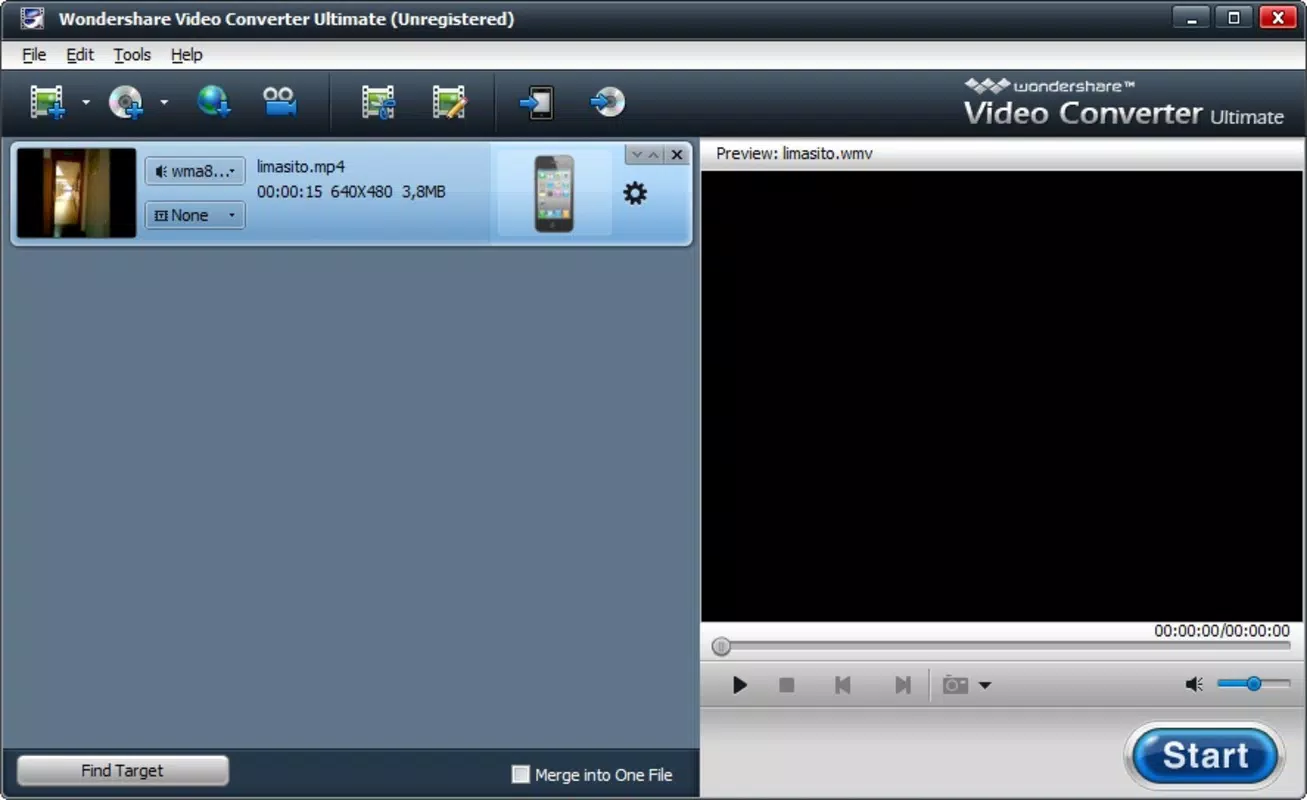
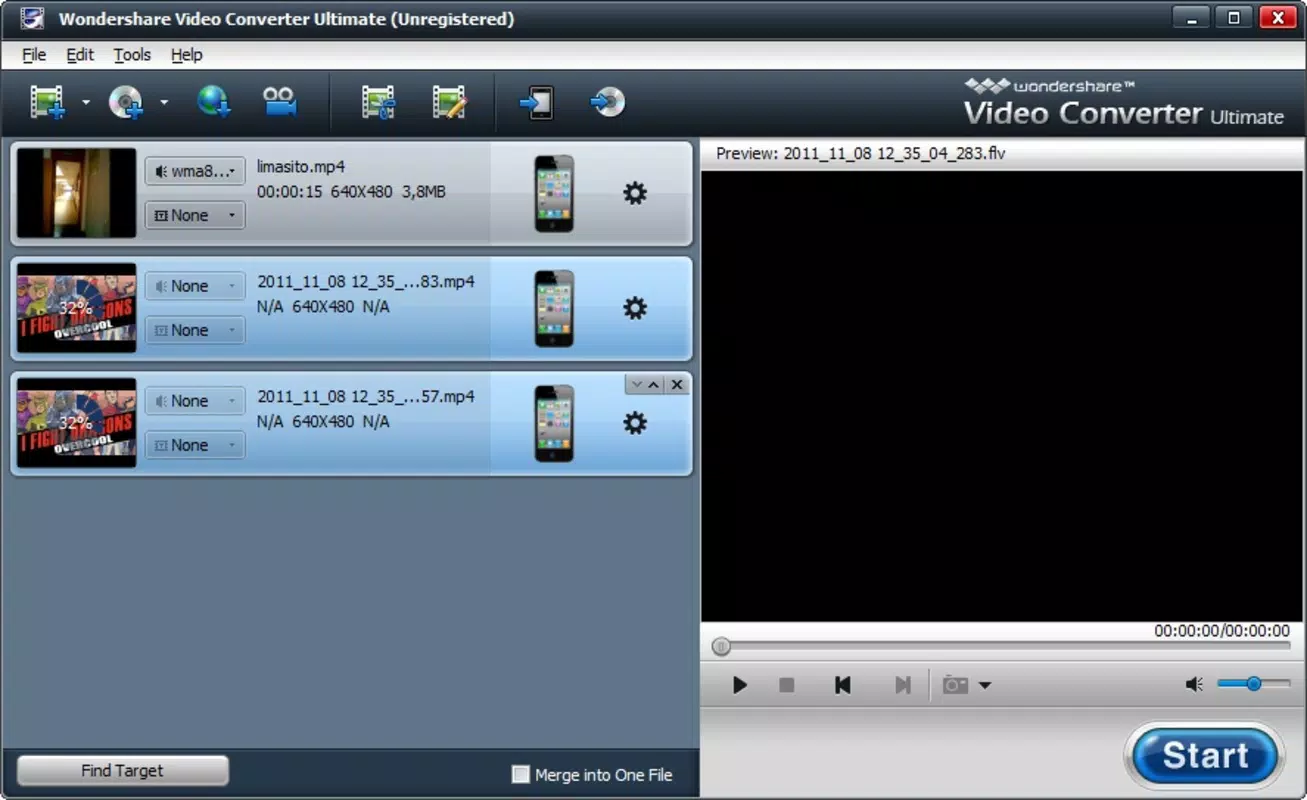
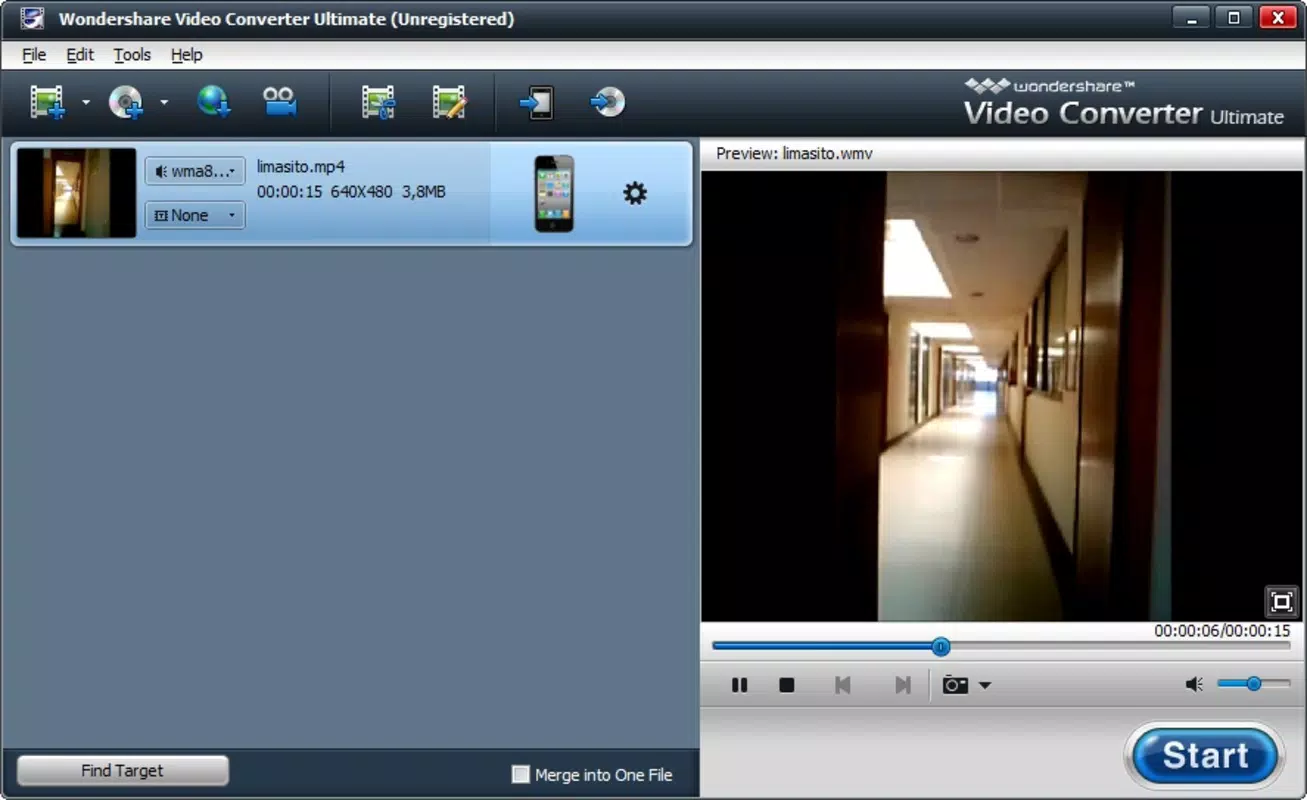
Video Converter Ultimate features a clean, straightforward interface that prioritizes usability over visual complexity. The layout organizes core functions—file upload, format selection, conversion settings, and export options—into clearly labeled sections, allowing users to complete tasks with minimal navigation. The design appears optimized for desktop environments, with logical grouping of controls and consistent feedback during file processing.
Although the developer did not list formal performance metrics, the app’s ability to handle multiple file formats suggests a stable backend processing engine. Users can expect responsive behavior when managing small to medium-sized files, though performance on very large video files may vary depending on system resources. The app maintains stability during conversion tasks, with no reported crashes or freezes in standard use cases. Responsiveness across different screen sizes and device categories is not specified, but the interface appears adaptable to common desktop resolutions.
Platform Compatibility & Technical Requirements
Video Converter Ultimate is available exclusively for Windows operating systems. The current version is 1.0.0, with a file size of 150 MB. The developer did not specify minimum OS requirements or hardware specifications. Compatibility with older or newer Windows versions remains unclear, and no information was provided regarding processor, RAM, or storage needs. Users should ensure their system meets general Windows application requirements for smooth operation.
Pros and Cons
Pros
- Free to download and use with no hidden costs
- Supports a wide range of video and audio formats
- Simple one-click conversion process for quick results
- Includes built-in online video downloading functionality
- Offers direct export to popular platforms and software
Cons
- Platform limited to Windows; no support for macOS or mobile devices
- Developer did not disclose minimum system requirements
- No information on update frequency or future feature roadmap
- Performance on large files not verified by the developer
- Limited information on security protocols for online downloads
FAQ
Is Video Converter Ultimate safe to download and use?
The app is available for free and does not require registration. However, users should ensure they download it from a trusted source to avoid bundled software or adware.
Can I convert videos to MP4 format using this tool?
Yes, MP4 is one of the supported output formats, making it ideal for sharing on mobile devices and social media platforms.
Does the app support batch conversion?
While the feature is not explicitly mentioned, the app’s one-click interface suggests it may support processing multiple files in sequence.
Is online video downloading legal?
Downloading videos from the internet depends on the source and its terms of service. Users should respect copyright laws and only download content they are authorized to access.
How often is Video Converter Ultimate updated?
The developer did not provide information on update frequency. Users are advised to check for new versions manually if needed.
Final Thoughts
Video Converter Ultimate delivers a robust, no-frills solution for users seeking a reliable tool to convert video and audio files across multiple formats. Its combination of format support, direct export options, and online downloading capability makes it a valuable utility for anyone managing multimedia content. While it is limited to Windows and lacks detailed technical disclosures, its free model and straightforward interface offer strong value for users who need a dependable converter without complexity.
Those who frequently work with video files—whether for personal use, education, or content creation—will benefit most from this app. It streamlines workflows, reduces dependency on multiple tools, and enhances compatibility across devices. For users looking for a secure, efficient, and feature-rich video conversion experience, Video Converter Ultimate stands out as a practical choice.
Download Video Converter Ultimate now


